

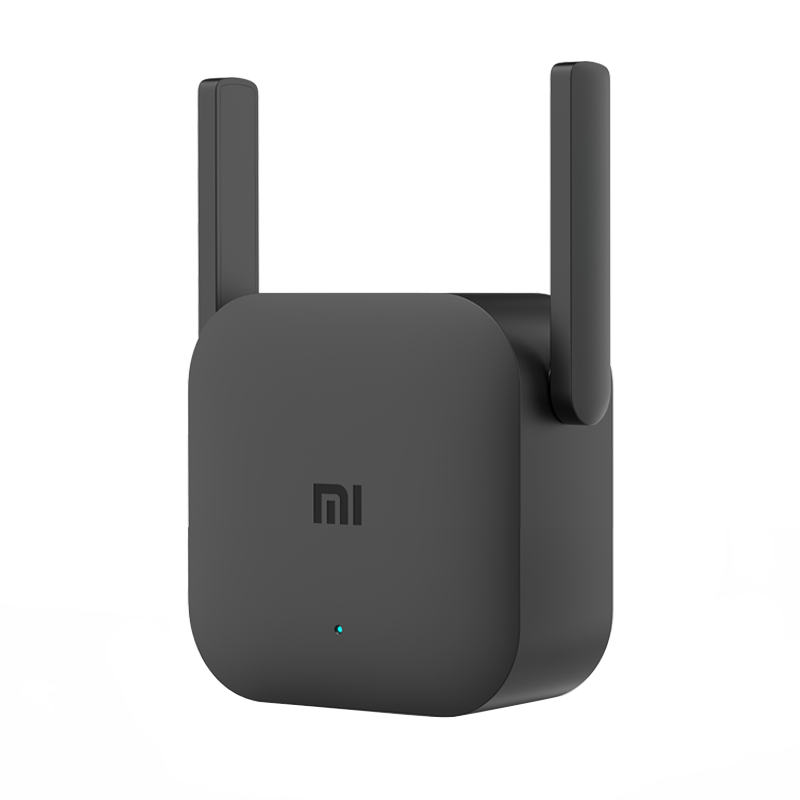
Xiaomi Mi Wi-Fi Range Extender Pro (R03)
Overview
The Xiaomi Mi Wi-Fi Range Extender Pro is a compact plug-in repeater that strengthens your existing wireless network and carries it into the rooms where the signal normally fades. It suits apartments, family homes and small offices where one router can’t cover every corner. Setup takes only a few minutes.
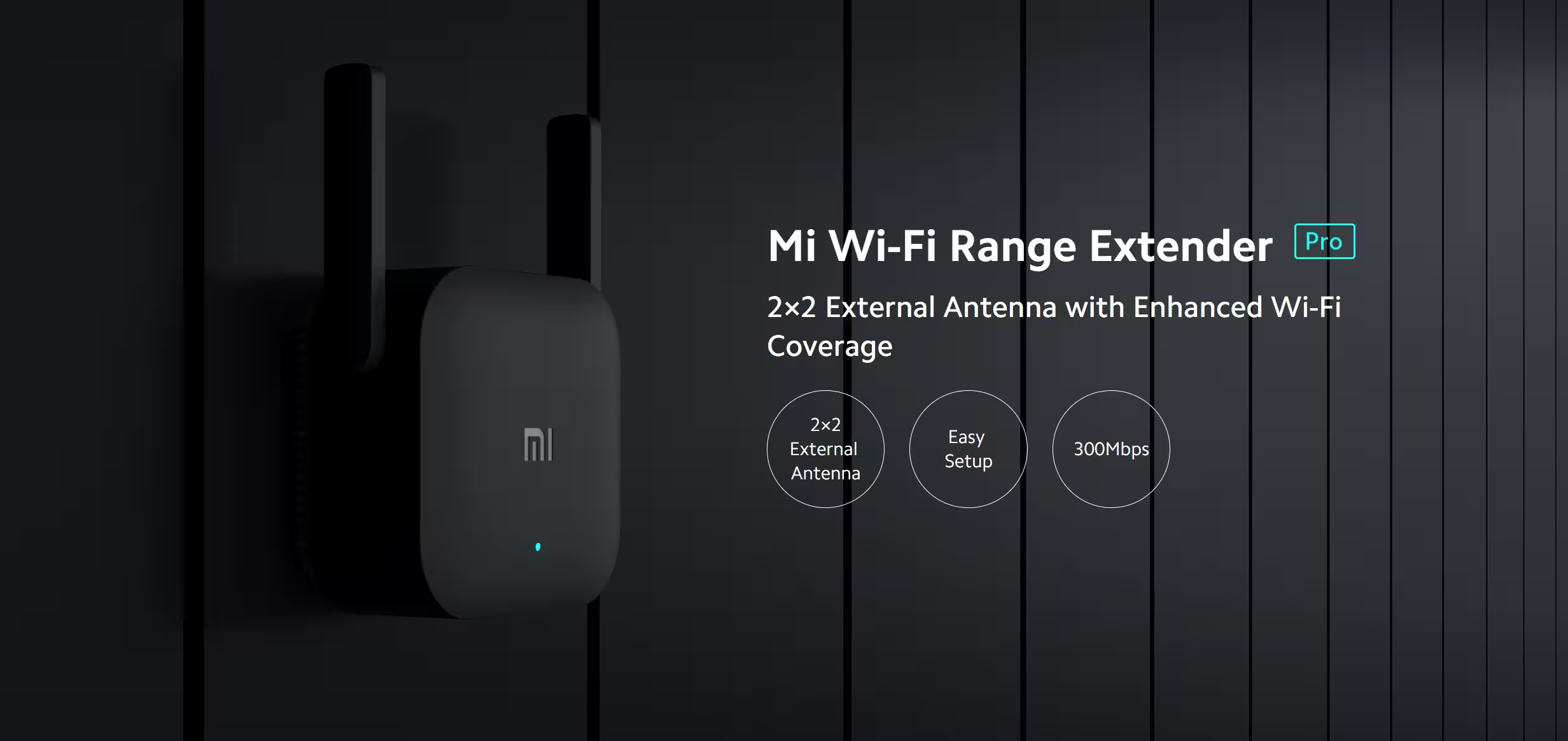
Key Features
Stable 300 Mbps wireless performance
It uses 802.11n technology on the 2.4 GHz band at up to 300 Mbps, enough for browsing, video calls, music and HD streaming.
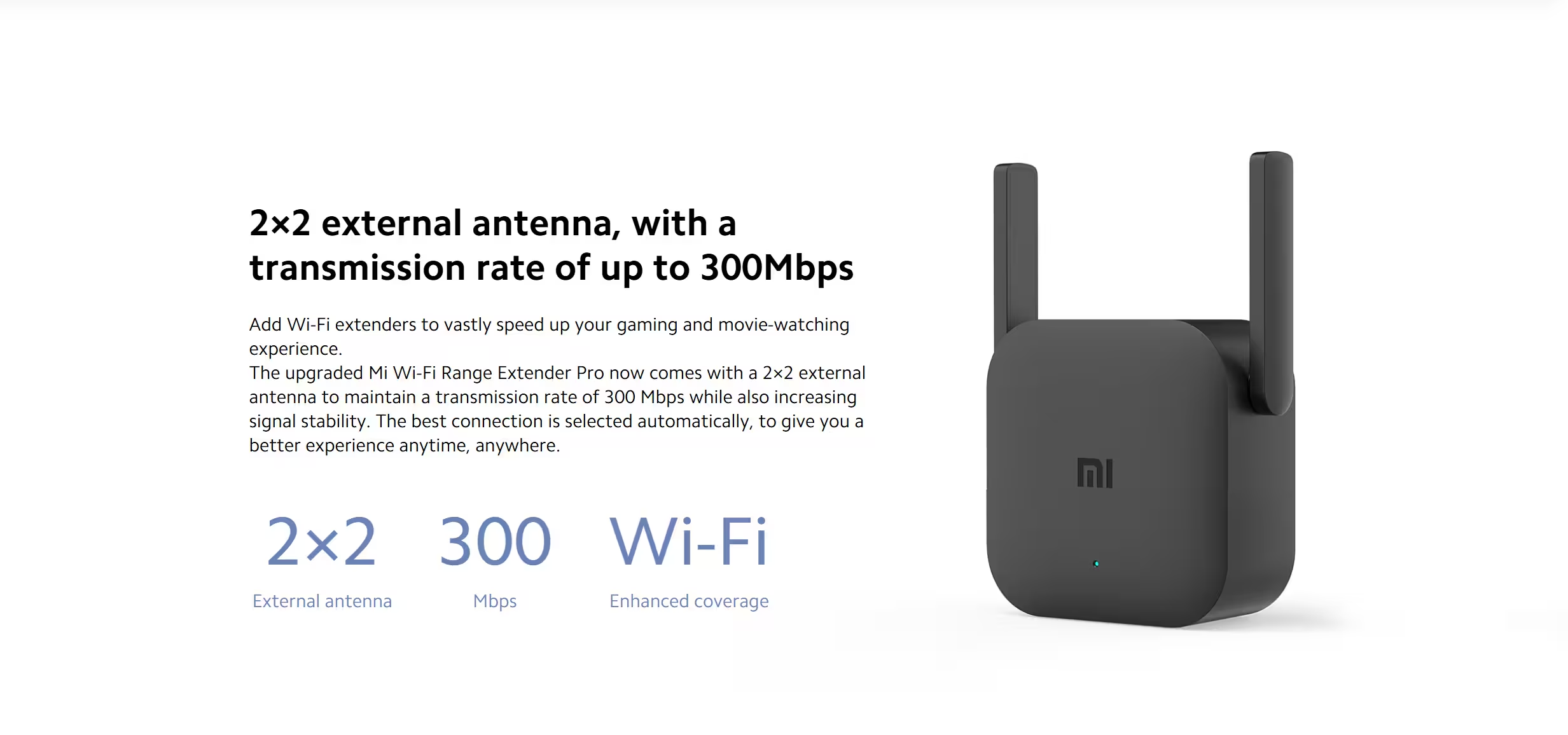
Dual external antennas
Two external antennas help maintain a steady connection and wider coverage, reducing dead zones across your home or workspace.
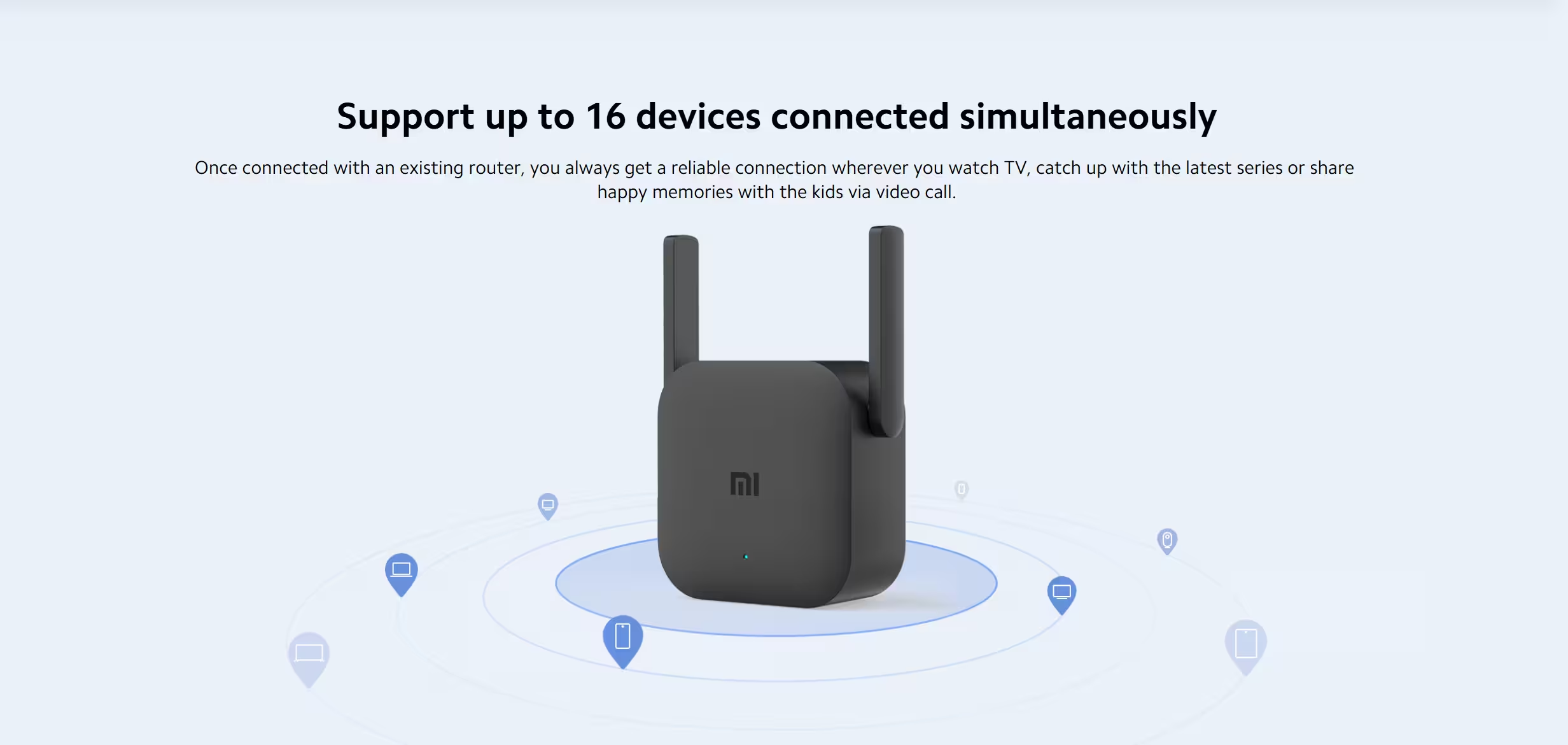
Support for up to 24 devices
Xiaomi recommends up to 24 connected devices for the best experience. That covers a typical household of phones, laptops, tablets, smart TVs and smart-home gadgets.
Simple app-based setup
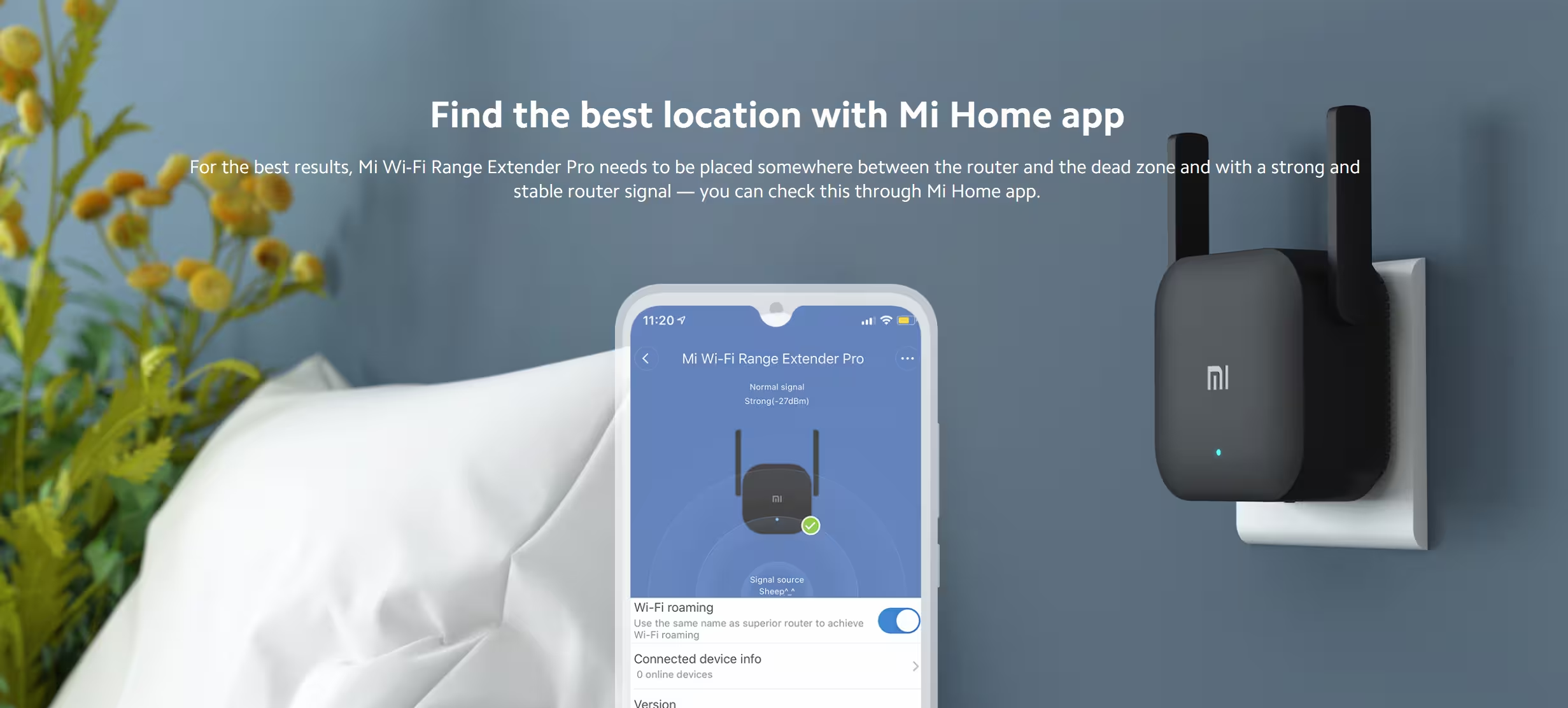
Plug the extender in near your router and wait for the indicator to blink yellow. Scan the QR code to install the Mi Home / Xiaomi Home app, then follow the on-screen steps. A solid blue light means setup is complete.
Flexible placement
After setup, unplug the extender and move it to the area that needs better coverage. You don’t have to configure it again. Choose a spot where your router’s signal is still reasonably strong.
Clear LED status indicator
- Solid blue: working normally
- Flashing blue: update in progress
- Solid yellow: powering on
- Flashing yellow: waiting to be set up
- Flashing red: hardware fault
Secure connection
WPA-PSK and WPA2-PSK encryption keep your network private while its reach grows.
Frequently Asked Questions
1. How do I set up the Mi Wi-Fi Range Extender Pro?
Plug it in near your router and wait for the yellow light to blink. Install the Mi Home / Xiaomi Home app by scanning the QR code, then follow the in-app instructions. When the light turns solid blue, setup is complete and you can move the extender to its final location.
2. Does it support 5 GHz networks?
No. It is a single-band device that works on 2.4 GHz only, at up to 300 Mbps.
3. How many devices can connect at once?
Xiaomi recommends up to 24 devices for the best experience.
4. How do I reset the extender?
Press and hold the RESET button for at least 5 seconds to restore factory settings.



Reviews
There are no reviews yet.